

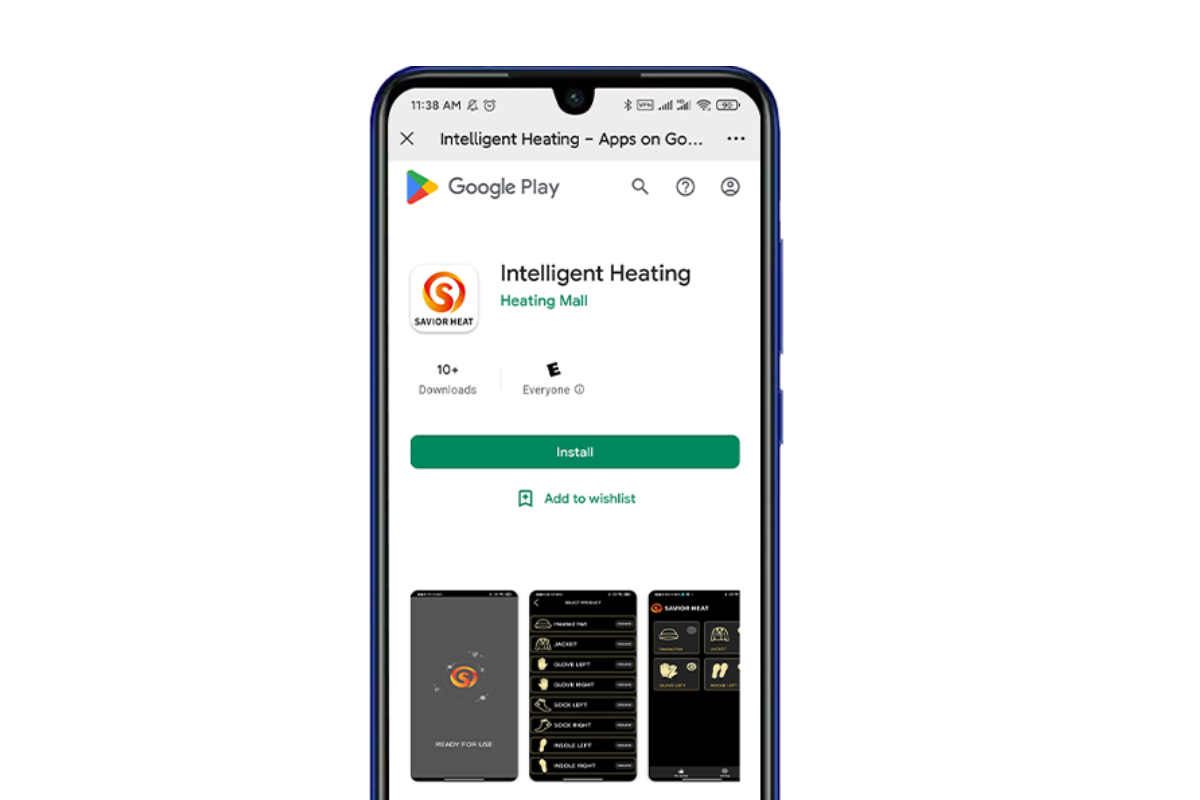
SAVIORHEAT started selling our smart heating series products in June, because this series needs to be used in conjunction with the APP.
At the same time, there are certain difficulties in using the related APP functions, so write this comprehensive user guide for the smart heating APP to our's customer.
How to distinguish whether the product you purchased supports App connection?
1.Confirm your heated product description,If it has the relevant word or icon about Bluetooth, then the product supports Bluetooth connection.
2.Check the button on your product after purchase. If the product supports APP connection, there will be a small Bluetooth connection logo above the button.

How to Use Bluetooth APP to Operate Heated Socks?
Step 1: Scan the QR code and download the Bluetooth App from Google or Apple App Store.


Step 2: Install the APP


Step 3:Open the APP and select the language


Step 4:Turn on the switch of the socks,the Bluetooth light flashes,display the Bluetooth address, connect Bluetooth.
At this time, you need to turn on your  GPS function in advance, so that the Bluetooth can correctly identify the device.

Step 5:Enter the heating products interface,select "SOCK LEFT/SOCK RIGHT",add to the operating interface.

Step 6:Add another sock

Step 7:Add completion

Step 8:Click the SOCK icon to enter the operation interface

Step 9:Add complete,enter the main interface,you can adjust the temperature,timer heating,set the operating mode.

How to split or merge groups?How to control one side individually or 1 pair of socks at the same time?
Select "UNGROUP"split combination in the setting options. Of course, you can also name your favorite socks here.

After splitting the combination,you can control the left and right foot separately.

After adding "LEFT SOCK and RIGHT SOCK"for the first time, the system defaults to a combination for control: When the combination becomes a single control,you need to restore the combination, please click "LEFT SOCK or RIGHT SOCK"on the interface to enter the operation interface, then select delete in the setting bar in the upper right corner of the screen, and then re-add the deleted side. The operation interface returns to 5.
Trouble Shooting
After using the Bluetooth APP to turn off the heating socks,when you turn it on again,if the blue battery indicator flashes, the heating socks cannot be turned on normally,which means the switch enters the protection state.
The battery needs to be disconnected and reconnected to turn on the heated socks normally.

The indicator light is flashing, it cannot be turned on, the battery must be unplugged and then reconnected.
Conclusion
I believe you have a more comprehensive understanding of the settings of the SAVIORHEAT App after reading the above setup steps. If you have more questions, please leave a message to let us know more.



Share:
What are Heated Socks - A Practical Beginner's Guide
What Is the Most Important Item of Clothing for Hunter
6 Kommentare
Can you put a link to the app instead of just a QR code? If you are browsing from a mobile device (as I am now), you can’t take a pic to scan the QR code. :)
I can shut off my socks using the app but cannot turn them on using the app. Please advise. Thank you.
Hi, can you turn your socks off for awhile then back on when needed, using the app? Or do you have to press the the button on the socks to turn on? I got these to ride in. My feet get hot even on low. So I want to turn them off while riding and then back on while cooling my horse down. Thanks for your help, Lisa
Hi there, I just received my socks. I installed an app, so I can control it remotely. I am having trouble to turn on the socks via the app. When I turn them on manually, pressing buttons on the socks, then I can control the socks with the app. When I turned them off I can’t turn them on with the app?! So, I can’t turned turn them off, change temperature settings but can’t turn them on. Could you please help?
Regards,
Daniel
Hi there, I just received my socks. I installed an app, so I can control it remotely. I am having trouble to turn on the socks via the app. When I turn them on manually, pressing buttons on the socks, then I can control the socks with the app. When I turned them off I can’t turn them on with the app?! So, I can’t turned turn them off, change temperature settings but can’t turn them on. Could you please help?
Regards,
Daniel